Canva now lets anyone switch off its generative AI features and hide AI-made library content
Canva announcement, 19 November 2026: two new AI Controls, available free on Canva Free and Pro, let users disable generative AI features across the app and limit AI-generated content in the library. Assistive tools like Background Remover stay on and will not trigger AI-content labels.
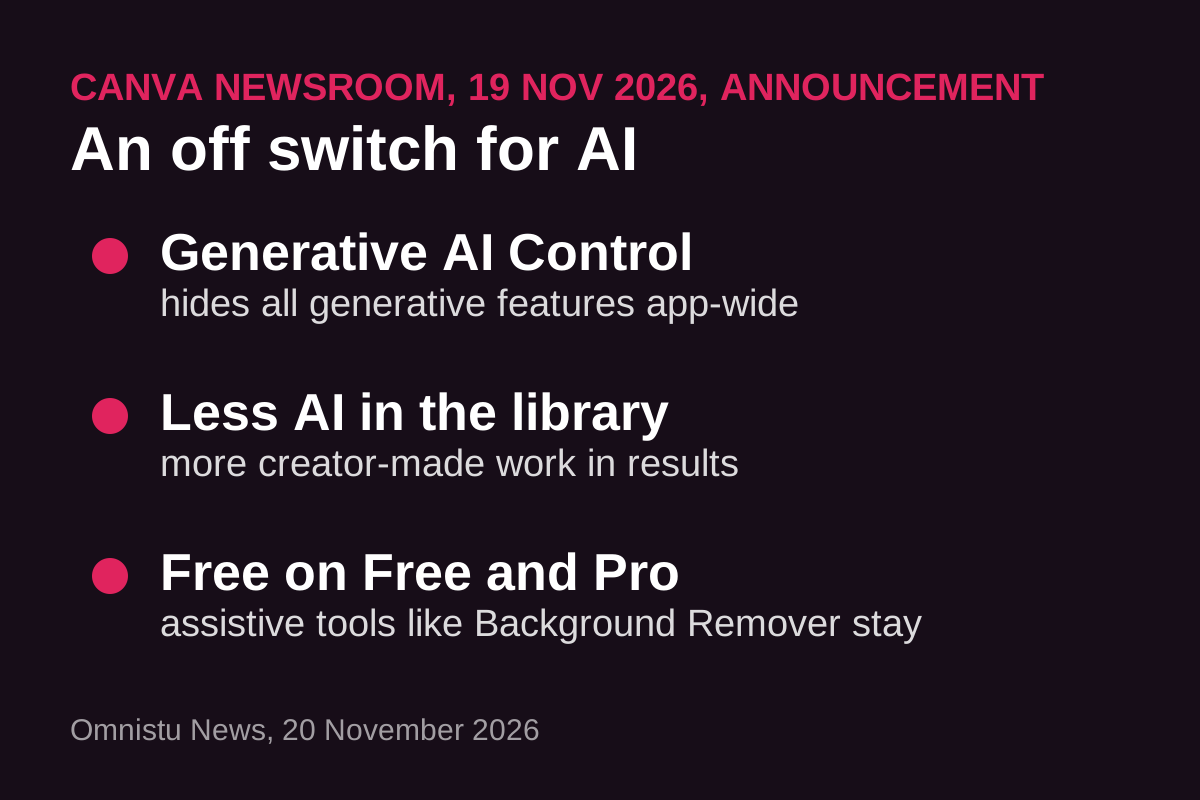
Canva announced on 19 November 2026 that every user, on both the Free and Pro plans, can now turn its generative AI features off entirely and reduce the amount of AI-generated content shown in its stock library. The company frames the launch as a response to divided user sentiment about AI in creative tools. The announcement was covered the same day by The Verge, Engadget and PetaPixel.
The two new controls
Per Canva's newsroom post: a Generative AI Control, found under Profile, Settings, Permissions, hides all generative AI features across Canva when switched off and can be re-enabled at any time. An AI-Generated Content Control, under Profile, Your account, AI Personalization, reduces AI-generated assets in library search results and recommendations without touching existing designs. Both are available from 19 November at no extra cost, joining the admin-level AI permissions Canva already offered on Business, Enterprise, Teams and Education plans.
What stays on, and the labeling detail
Assistive editing tools that modify existing content rather than generate new content, such as Background Remover and Magic Grab, remain available even with generative AI switched off. Canva says using them will not trigger an AI-generated content label: its AI-made library assets carry AI metadata that social platforms can read, and designs edited only with assistive tools will not get that metadata. The company also says its library remains predominantly creator-made and that contributors are paid each time their work is used; it describes the AI-generated portion as small, covering items like abstract backgrounds and illustrated graphics.
Why it matters
Canva reports its AI tools have been used more than 38 billion times, so an off switch is not a retreat from AI; it is an acknowledgment that a visible share of creative users want tools without generative features, and that "AI-free" is becoming a product feature in its own right. The Verge's coverage frames the launch against growing AI fatigue among creative professionals. The controls also matter for labeling: users who want their work to avoid AI-content flags on social platforms now have a documented way to achieve that inside Canva.
- Canva newsroom: Introducing AI Controls: Your creativity, your call (19 November 2026)
- The Verge: Canva adds an AI 'off' button (19 November 2026)